
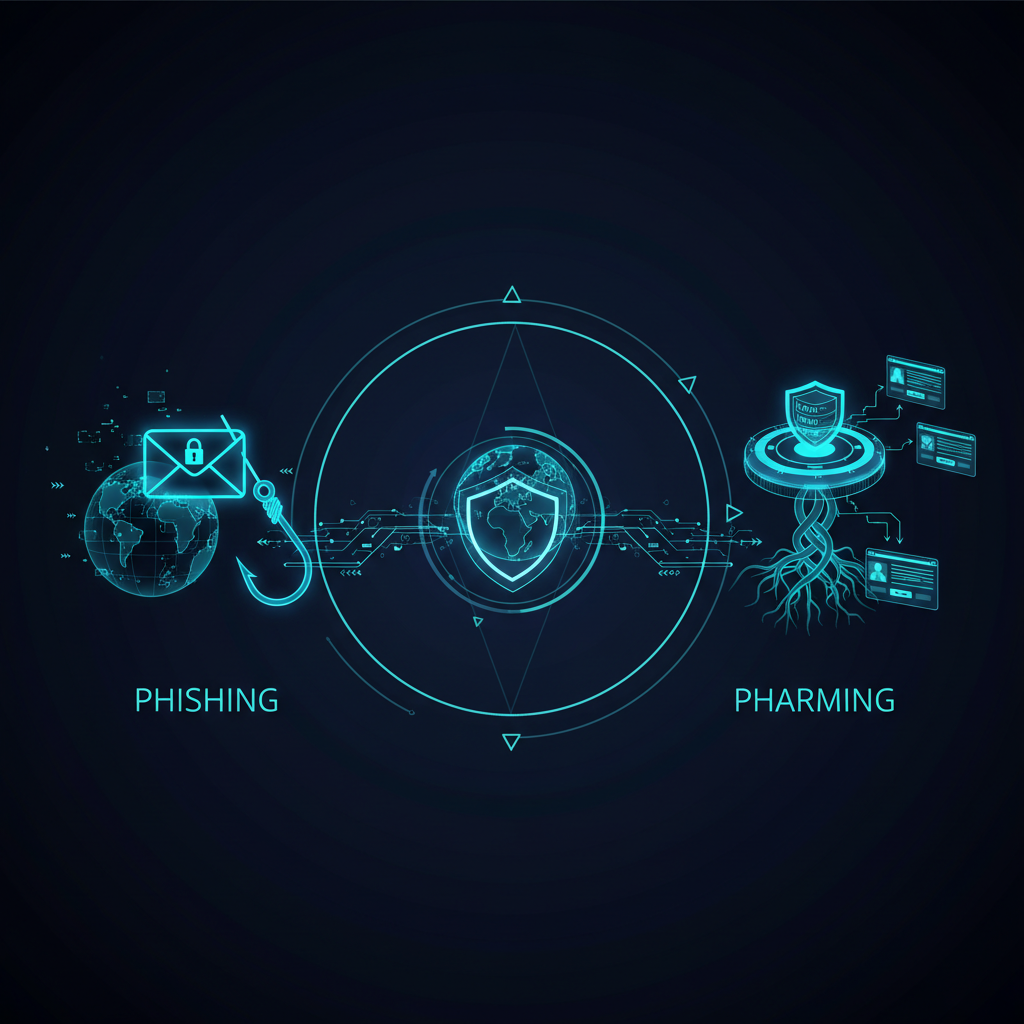
Phishing and pharming have the same aim: harvesting sensitive data such as logins and card numbers. Phishing tricks a person into clicking a link or replying to a message. Pharming skips the trick. It tampers with DNS, or with the settings on your device or router, so that even typing the correct web address takes you to a fake site.
That’s the whole difference in one line: phishing needs you to make a mistake, pharming doesn’t. It also explains why pharming is rarer but harder to spot.
Phishing vs pharming: key differences
| Phishing | Pharming | |
|---|---|---|
| How it reaches you | A message: email, SMS, chat, social media or a phone call | Corrupted DNS or redirected traffic. No message needed |
| What the victim has to do | Click a link, open a file or reply | Nothing unusual. Typing the right address is enough |
| Where the attack happens | In the victim’s inbox and in their judgement | In DNS servers, the hosts file, the home router or the domain’s registrar account |
| Scale | One campaign can hit thousands of inboxes | One poisoned DNS server can redirect every user who relies on it |
| Warning signs | Odd sender, urgency, a link that doesn’t match the brand | Certificate warnings, a familiar site that looks slightly off, logins that fail after you enter details |
| Main defenses | Awareness, MFA, mail filtering, taking down phishing sites | DNSSEC, MFA and registry lock on DNS accounts, patched routers, monitoring DNS records |
Phishing is meant to capture people’s personal and financial information. Cybercriminals rely on trickery and manipulation to get users to expose details, follow malicious links or open malware-infected attachments. Pharming attempts to achieve the same purpose, but it does not try to deceive users into visiting a malicious website. It redirects them automatically, even if the right IP address or domain name is entered in the address bar.
What is phishing?
Phishing is a scam that impersonates a trusted sender to get you to give up credentials, money or data, or to install malware. It is by far the more common of the two attacks. The Anti-Phishing Working Group observed 971,181 phishing attacks in the first quarter of 2026, according to its Q1 2026 Phishing Activity Trends Report.
Common types of phishing attacks:
- Vishing: phishing over a voice call, often from a spoofed number.
- Whaling: phishing aimed at senior executives, usually about payments or confidential documents.
- Spear phishing: a message tailored to one person or team using details gathered about them.
- Clone phishing: a copy of a real email you received earlier, with the link or attachment swapped for a malicious one.
- Smishing: phishing by SMS or messaging apps.
There are more variants than these. We cover them in 10 types of phishing attacks.
What is pharming?
Pharming redirects traffic meant for a real website to a fake one by tampering with the way names are turned into addresses. You type your bank’s address correctly, the lookup returns the attacker’s server, and the page you see is a copy. We go deeper into the mechanics in how pharming works.
Below are the main types of pharming attacks:
- Hosts file pharming: malware edits the hosts file on a computer so chosen domains resolve to the attacker’s IP address.
- Poisoned DNS servers: false records are injected into a DNS resolver’s cache, so every user of that resolver is sent to the wrong place.
- Router DNS changes: malware or weak admin passwords let attackers change the DNS server a home or office router hands out.
- DNS hijacking at the source: attackers take over the account that manages a domain’s DNS records and point the real domain somewhere else.
Real pharming cases
Pharming has been used at large scale. In November 2011, US prosecutors announced Operation Ghost Click, which led to the arrest of a ring that had infected millions of computers with DNSChanger malware. The malware changed DNS settings on infected machines so their lookups went through the criminals’ servers, as CISA’s DNSChanger alert describes.
The registrar route is newer and aimed at organizations. Cisco Talos documented a campaign called Sea Turtle that hijacked DNS records and compromised at least 40 organizations in 13 countries between early 2017 and early 2019. In January 2019, CISA issued Emergency Directive 19-01 after attackers stole the credentials of accounts that could change DNS records, then used them to redirect and intercept web and mail traffic for US government domains. The directive told agencies to audit their DNS records, change DNS account passwords, add MFA to those accounts and monitor Certificate Transparency logs, all within 10 business days.
Why pharming is harder to spot
With phishing, there’s usually something to notice: a strange sender, a link that doesn’t match, a message you weren’t expecting. With pharming, you did everything right and still landed on the wrong server. Users also can’t fix a poisoned DNS resolver at their internet provider themselves.
There are still a few clues. A browser certificate warning on a site you use every day is a red flag, so don’t click through it. A login page that rejects a password you know is correct, or a bank site asking for your full card details or OTP “to verify”, deserves a phone call to the bank before you go any further.
How to protect against phishing and pharming
For individuals:
- Use MFA on email and banking, so a captured password isn’t enough on its own.
- Don’t click through certificate warnings, and type or bookmark important sites instead of following links.
- Change the default admin password on your router and keep its firmware updated.
- Run up to date antivirus to catch malware that edits the hosts file or DNS settings.
For organizations:
- Put MFA and registry lock on the accounts that control your domains and DNS records.
- Sign your zones with DNSSEC where your registrar supports it, and monitor DNS records for changes.
- Watch Certificate Transparency logs for certificates issued for your domains that you didn’t request.
- Find and remove phishing sites and lookalike domains that use your brand. TIKAJ’s anti-phishing service does this work, and TIKAJ and its platform Hunto handle more than 100,000 takedowns a year for over 150 enterprise customers.
FAQ
What is the difference between phishing and pharming?
Phishing uses a deceptive message to get you to click a link, open a file or share information. Pharming doesn’t need a message. It corrupts DNS or the settings on your device or router so that typing the correct web address sends you to a fake site. Both aim to steal credentials and financial data.
Which is more dangerous, phishing or pharming?
Phishing causes more harm overall because it is far more common and cheap to run. Pharming is more dangerous per incident: one poisoned DNS server or hijacked domain can redirect every visitor at once, and careful users who type addresses correctly can still be caught. Organizations need defenses against both.
How are phishing and pharming similar?
Both are forms of online fraud that lead victims to a fake website built to collect usernames, passwords, card numbers or one-time codes. Both rely on the fake site looking exactly like the real one. The difference is only in how the victim gets there: a lure in phishing, a redirect in pharming.
What is spoofing vs phishing vs pharming?
Spoofing is faking an identity, such as a sender address, phone number or website. Phishing is a scam that uses a deceptive message, often spoofed, to steal data. Pharming redirects traffic to a fake site through DNS tampering. We compare the first two in phishing vs spoofing.